The Mac finally
opens SVG.
Double-click an .svg file and macOS sends you to a browser tab or a code editor. PreviewSVG is the viewer that was missing — and it exports to PNG, PDF and DXF, and optimizes with SVGO, without leaving the window.
Free · macOS 14 Sonoma or later · Apple silicon and Intel
A viewer that knows it is showing vectors.
Rendering goes through WebKit, so gradients, filters, masks, clipping and CSS look the way they do in Safari — not an approximation of it.
Opens .svg and .svgz
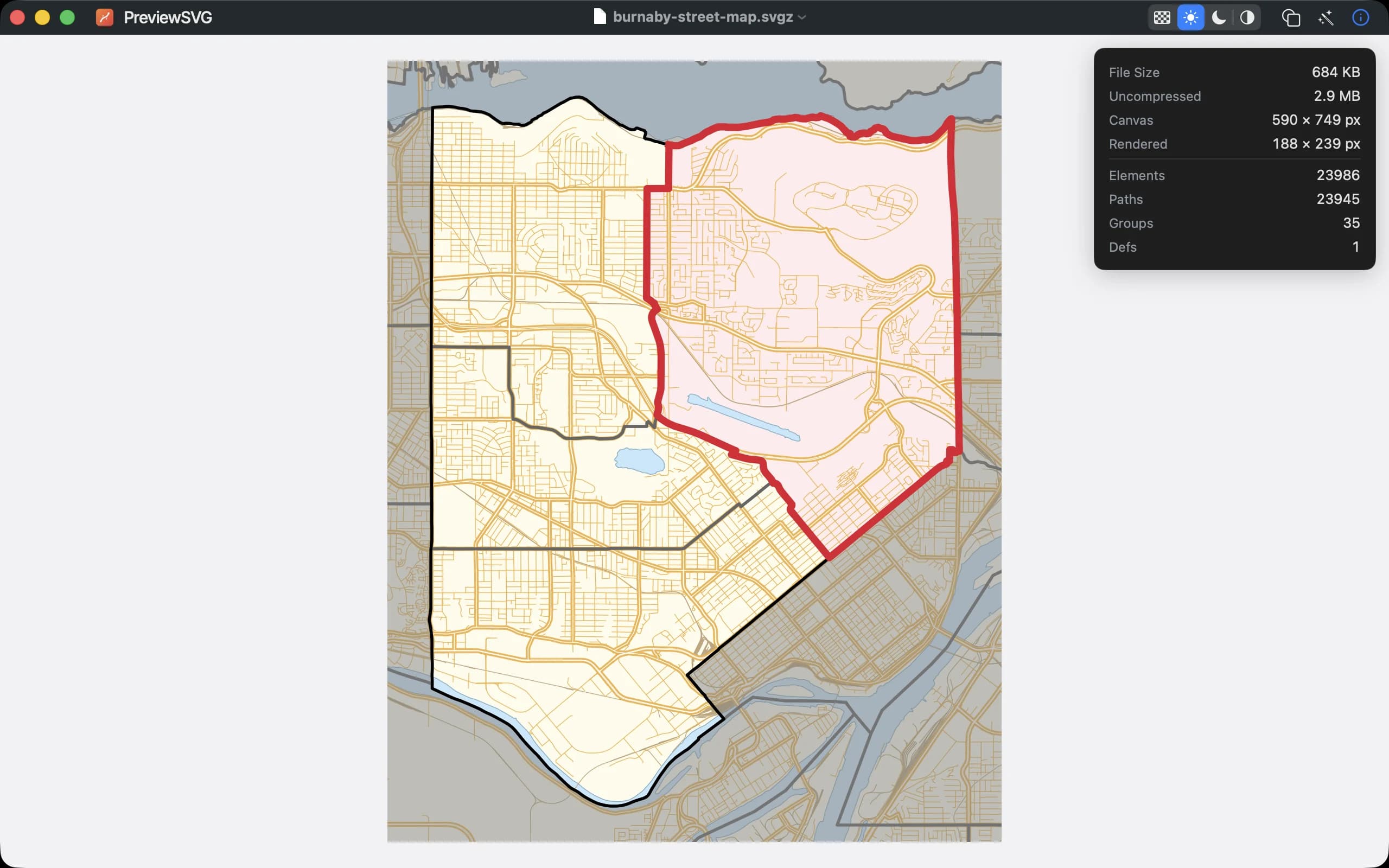
Including gzip-compressed .svgz, which macOS itself mishandles. The info panel shows both sizes: what the file costs on disk and what it unpacks to.
A canvas you can choose
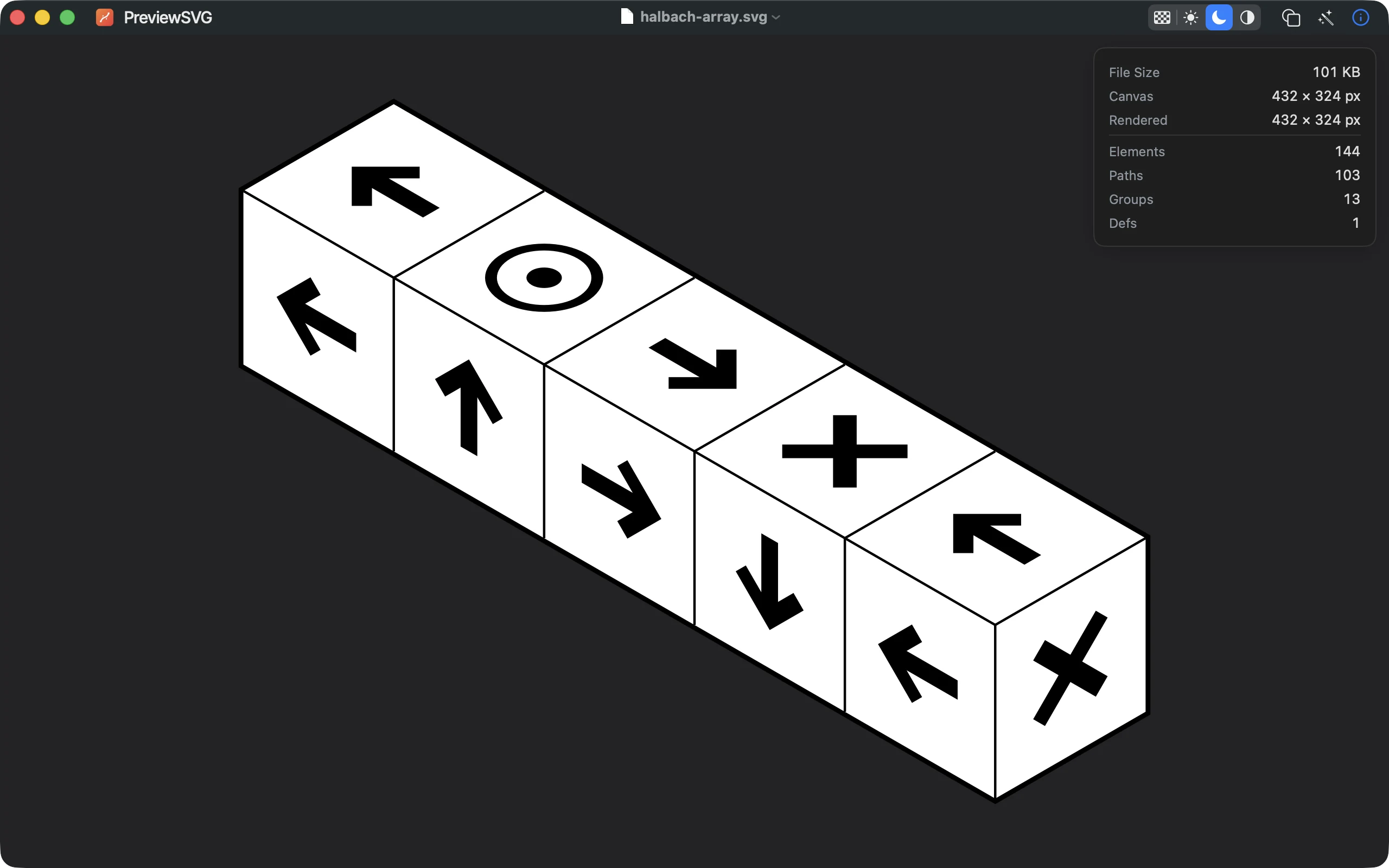
Light, dark, system, or a checkerboard for transparency. White line art on a transparent background is finally visible instead of disappearing into the page.
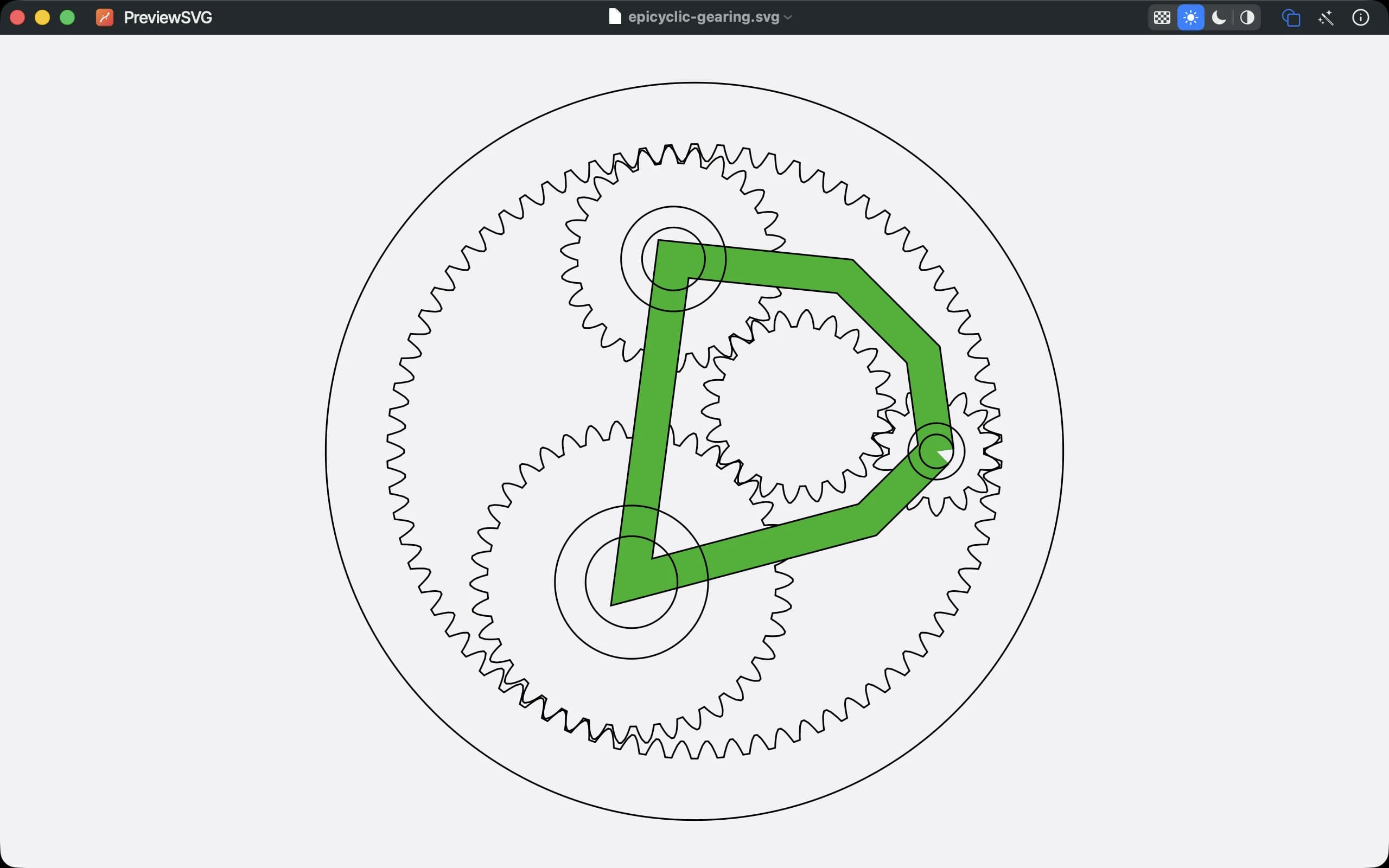
Wireframe
Drop every fill and keep the strokes. Shapes that would vanish get a hairline outline, so you see how the drawing is actually built.
Export to PNG and PDF
PNG at 1× to 8× with real transparency or on white, and vector PDF. Both render through the same engine as the viewer, so what you export is what you saw.
Export to DXF
R12 or 2018, in millimetres, for CAD, laser cutters and CNC. Arcs stay arcs — the conversion runs from the original file, never from optimizer output.
Zoom that behaves
Pinch or ⌘+ from 2 % to 6400 %, drag to pan, double-click to flip between fit and actual size. An animated SVG keeps animating while you look.
Every view it has
The optimizer, a dark canvas, wireframe, and a compressed file opened as if it were nothing.
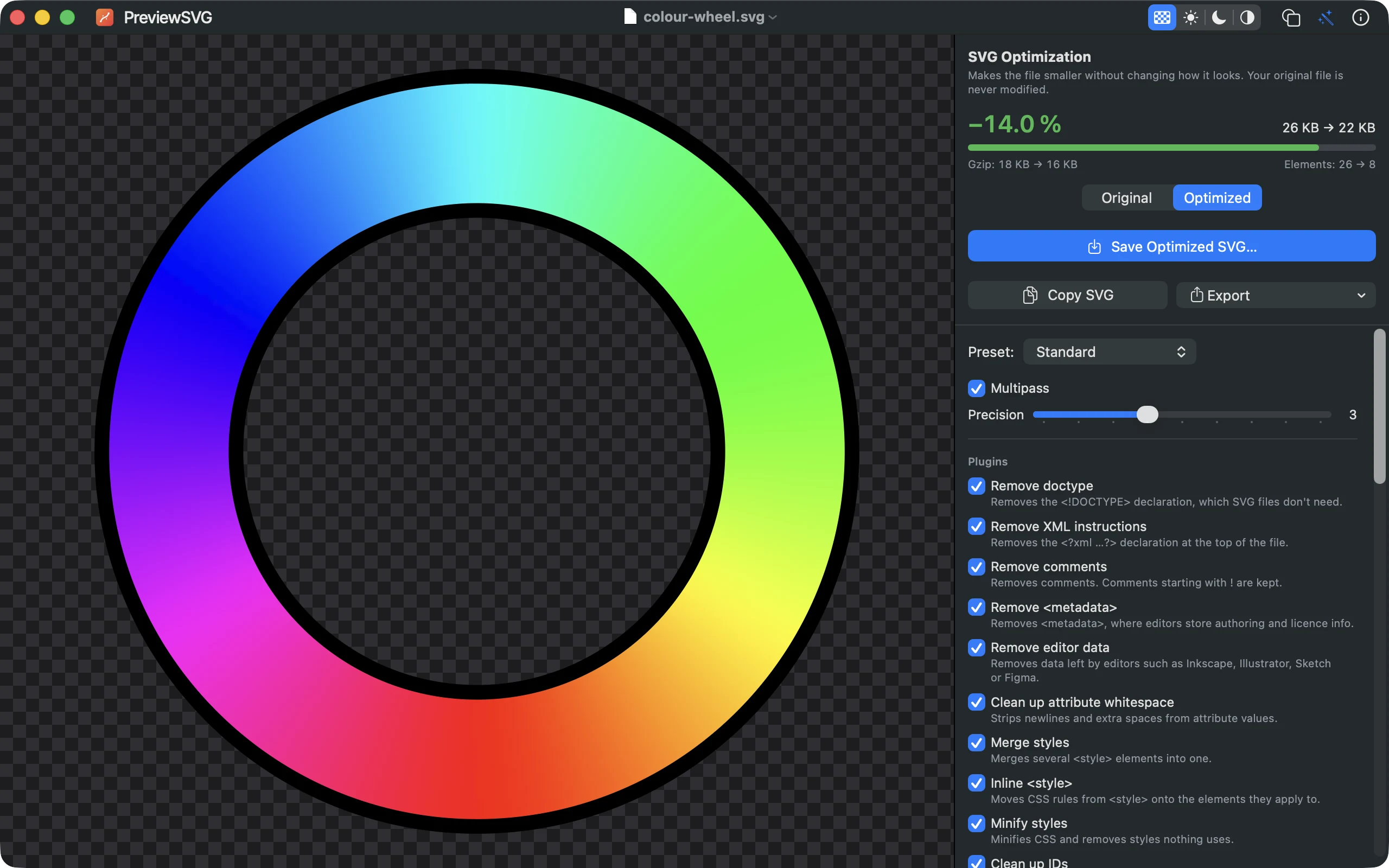
The optimizer, without the command line.
SVGO 3.3.2 — the same tool the web has standardized on — runs inside the app. No Node, no terminal, no upload to somebody's server. The panel stays open beside the artwork: change a setting and the picture and the numbers both update.
- Presets for the common cases, or open every plugin and set it yourself
- Exact savings in bytes and gzipped, plus the element count before and after
- Flip between Before and After on the canvas to see what an option cost you
- Your file is never touched — the result leaves through Save As or the clipboard
Free. Forever.
No accounts, no upgrade prompts, no usage caps, no in-app purchases.
One app for the Mac. Nothing to unlock later.
- Viewer for .svg and .svgz with four canvas modes and wireframe
- PNG, PDF and DXF export
- SVGO optimization with every plugin exposed
- Works fully offline, in nine languages
From the maker of Preview3D and PreviewMD.